
Using BookRunner Direct
For institutional investors who received an issuance from an Arranger: the bank, underwriter, placement agent or fund sponsor running it. Nine steps, then messaging apps.
It’s from your Arranger, issued to you, and it expires. Open it on your phone.
Choose Microsoft or Google and use your work account. If your firm’s domain isn’t approved yet, you’ll be told; the Arranger that invited you requests it. Nothing is created for a rejected sign-in.

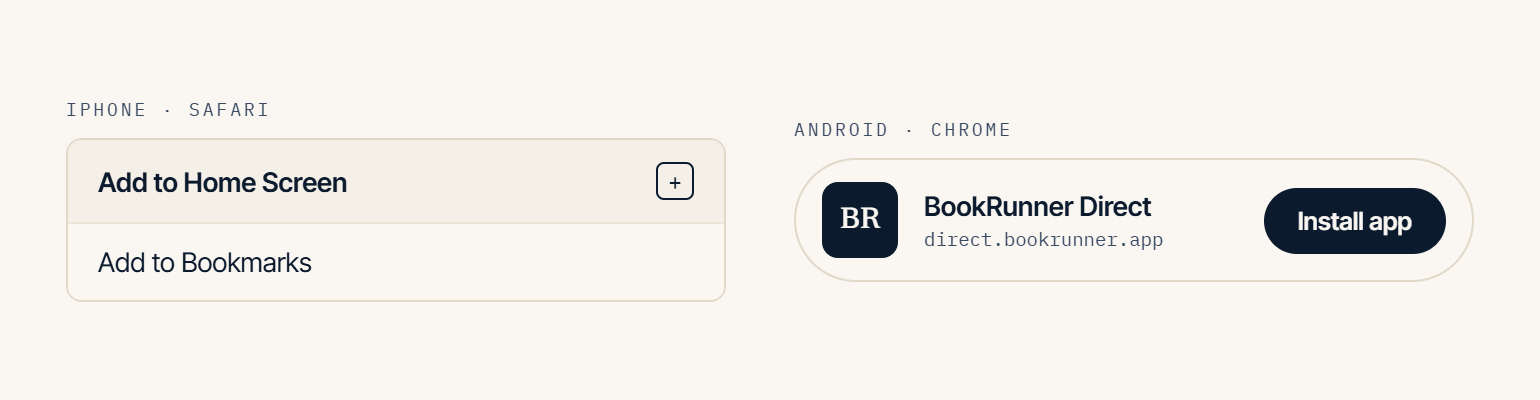
There’s no app store listing because Direct runs in the browser; the home-screen icon is the app.
Your deals / Available / Past. A dot means unread. Open a deal to see the deck, the documents, and the conversation.

Type in your language. The Deal Desk answers from the deal materials and shows where the answer came from. If your question needs a person, a banker joins the thread.
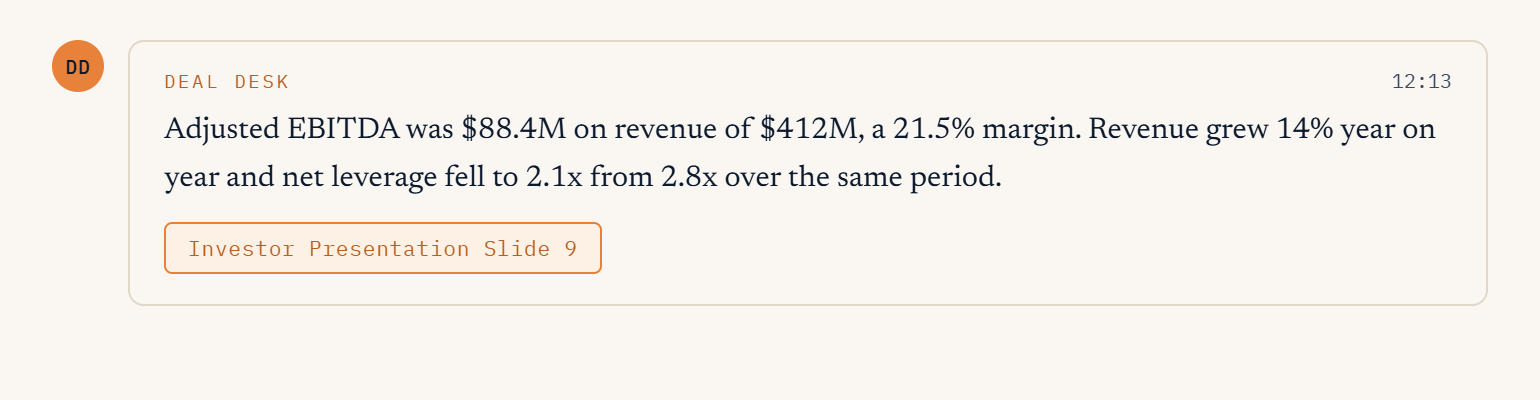
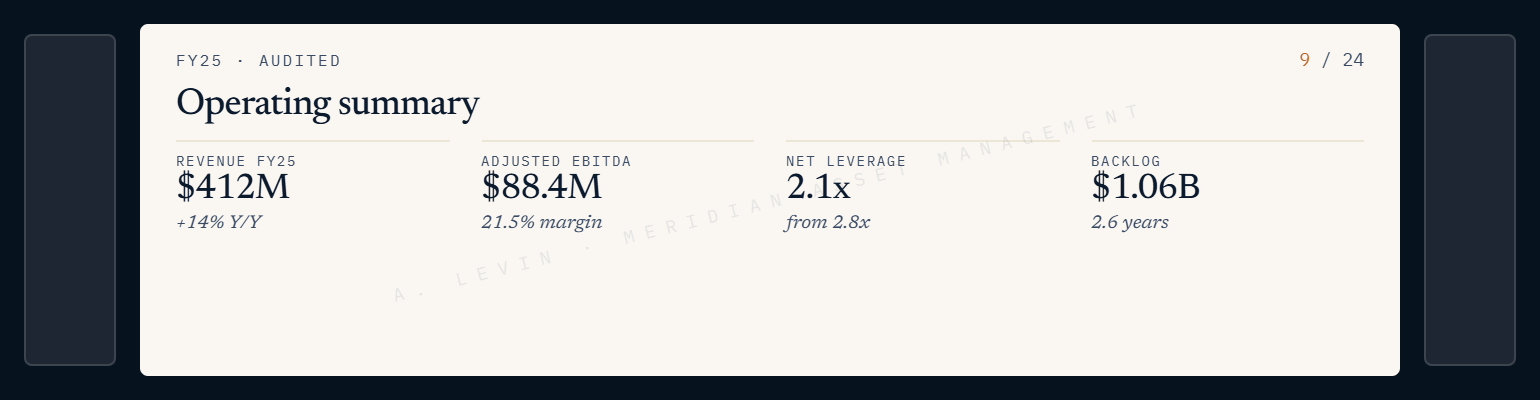
Open in the viewer; download where the Arranger allows it. Answers about the deck show the slide.
Settings → language; Settings → which notifications you want.
Signs you out on every device, immediately.
Turn off notifications in Settings, or ask your Arranger to remove you. In a messaging app, reply STOP — it takes effect immediately for that channel.